App generators

Form-driven application builders for Android. Submit your requirements, download a deployable application. Supports APK, AAB, and flexible signing options.

205+ apps generated · 80+ web · 95+ kiosk · 20+ contacts · 5+ documents

KIOSK APP GENERATOR

A custom multi-app launcher for Android, ready to deploy. Replace the system home screen on dedicated devices with a tiled layout of just the apps your users need, themed and wallpapered to match. Signed APK or AAB output, distributable through any EMM. Aimed at Android Enterprise dedicated fleets but works anywhere a locked-down multi-app surface is wanted.
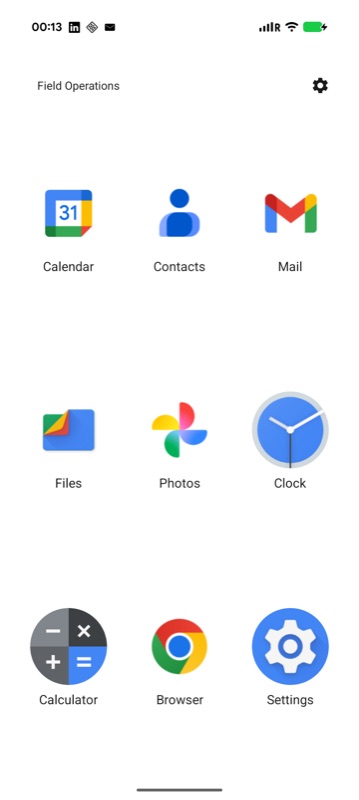
A KAG-built kiosk on a Pixel showing a 3 by 3 grid of large app icons (Calendar, Contacts, Mail, Files, Photos, Clock, Calculator, Browser, Settings) with a Field Operations banner and a settings cog in the top right.
3 × 3 field-ops launcher
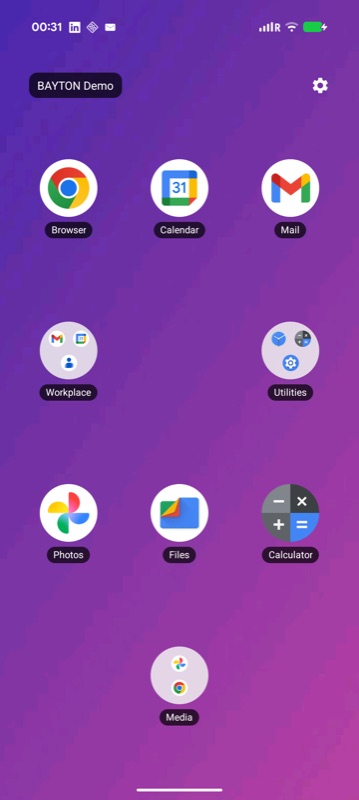
A KAG-built kiosk on a Pixel with a purple gradient wallpaper, BAYTON Demo banner, and a 4 by 3 grid mixing app tiles with three coloured folders (Workplace, Utilities, Media). App labels carry a dark readability pill against the wallpaper.
Wallpaper + folders
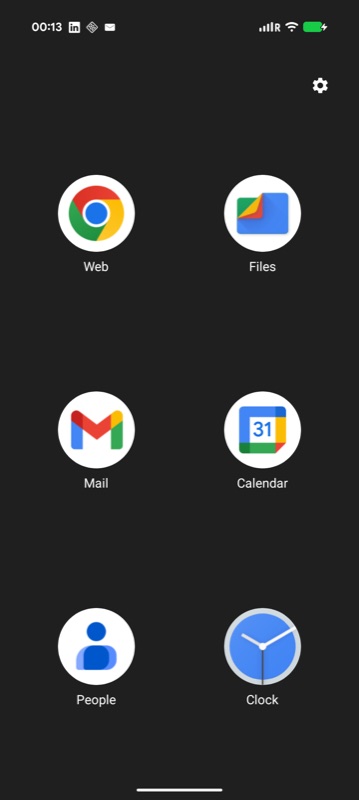
A KAG-built kiosk on a Pixel with a dark background and a sparse 3 by 2 grid of six large app icons (Web, Files, Mail, Calendar, People, Clock) and a settings cog.
Minimal 3 × 2 launcher
Check it out

WEB APP GENERATOR

Turn any website into a deployable Android app. Native WebView, configurable display mode and permission set, signed and ready to install. Useful for distributing internal web apps to managed devices via EMM, or anchoring a kiosk to a single web destination without the rest of the browser tagging along.
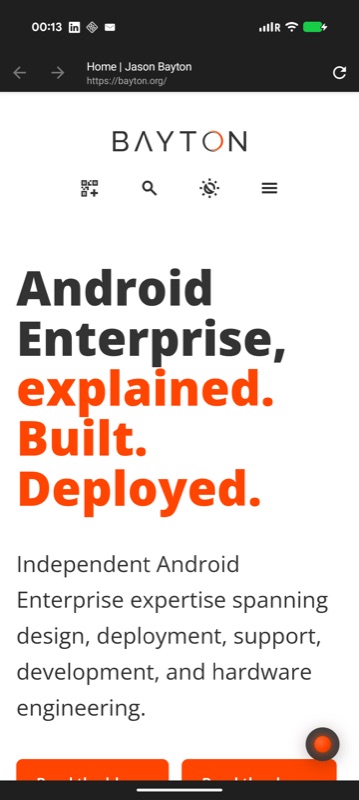
A WAG-built web app on a Pixel wrapping bayton.org in minimal UI display mode, showing the page content with a slim top toolbar carrying back, forward, page title, URL and a refresh button.
Minimal UI — internal portals
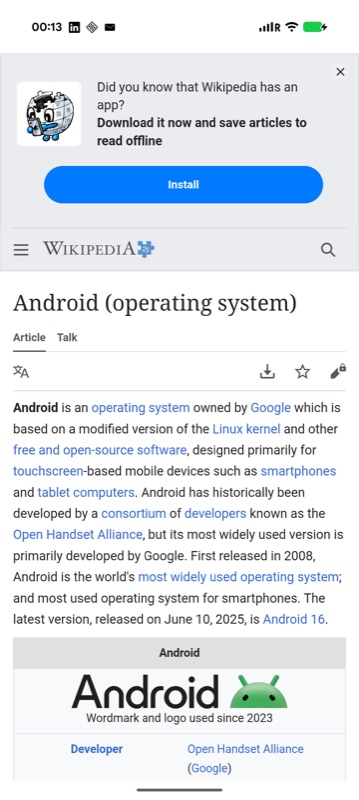
A WAG-built web app on a Pixel wrapping the Wikipedia Android article in standalone display mode, rendering as a native-feeling app with no URL chrome and the system status bar still visible.
Standalone — site-as-app
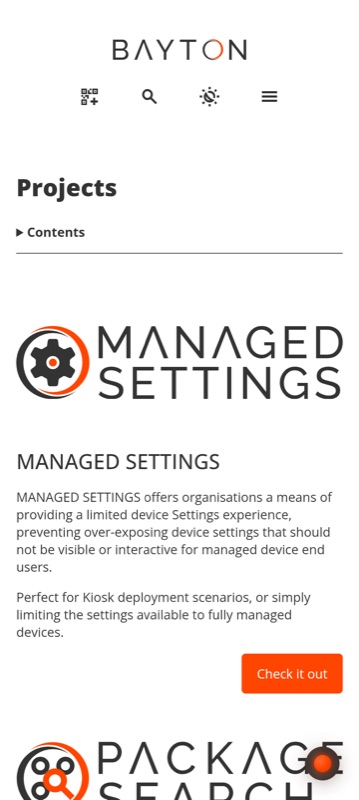
A WAG-built web app on a Pixel in fullscreen display mode showing bayton.org's Projects page edge-to-edge with the system status bar hidden behind a black bezel-like band at the top.
Full screen — signage / kiosks
Check it out

CONTACTS APP GENERATOR

Sync internal contact files - VCF, CSV or JSON - into a dedicated, app-owned account on managed devices, surfaced in a searchable in-app directory and in the phone's own contacts. No Exchange, LDAP, CardDAV or vendor cloud; configured by your EMM or baked in at build time, signed and ready to distribute to Android Enterprise fleets.
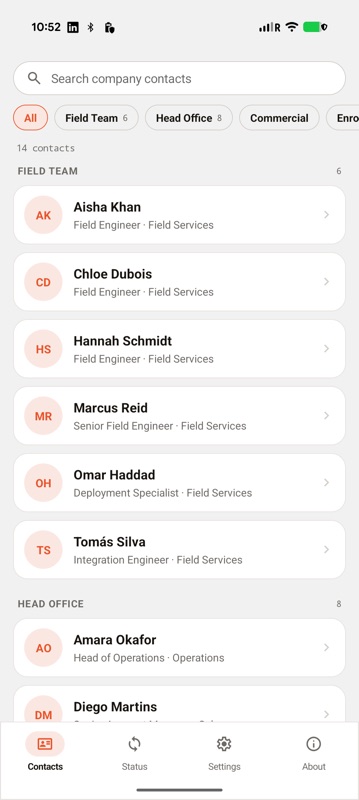
A CAG-built contacts app on a Pixel showing a searchable company directory grouped into Field Team and Head Office sections, each contact with a coloured monogram avatar, name and job title.
Source-grouped directory
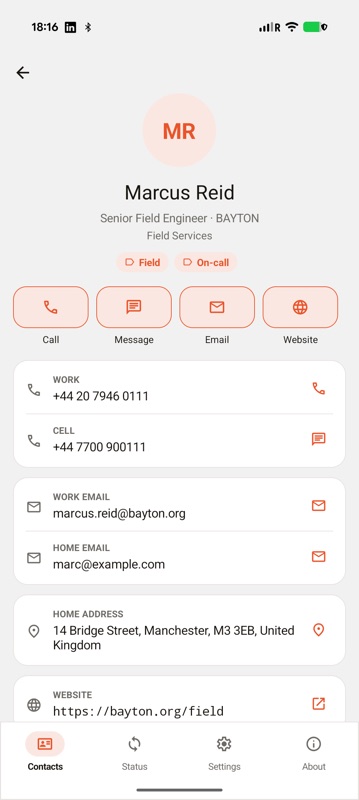
A CAG-built contacts app showing the full record for Marcus Reid, senior field engineer, with work and mobile numbers, work and home email, a Manchester address, website, and category chips.
Full managed record
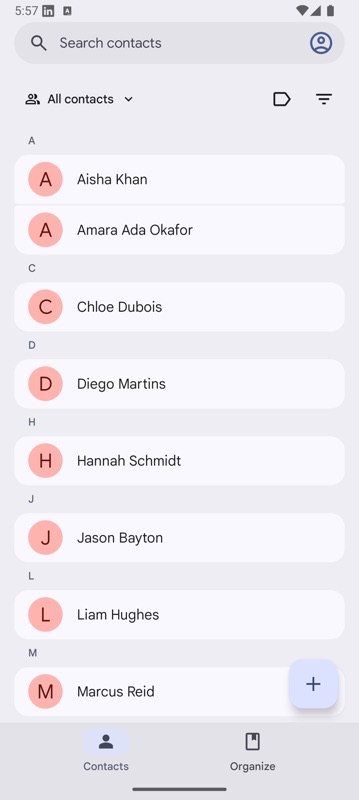
The Android system contacts app listing the same people - Aisha Khan, Amara Okafor, Chloe Dubois and others - synced in from the CAG app under a managed account.
Synced to system contacts
Check it out

DOCUMENT APP GENERATOR

Bundle the documents a fleet needs - PDFs, EPUBs, images, markdown, CSV, text and more - into a dedicated, branded library app. Files are baked in at build time or fetched from URLs and stored for offline reading, organised into folders and opened in a built-in viewer. No file server or vendor cloud; configured by your EMM or set at build time, signed and ready to distribute to Android Enterprise fleets.
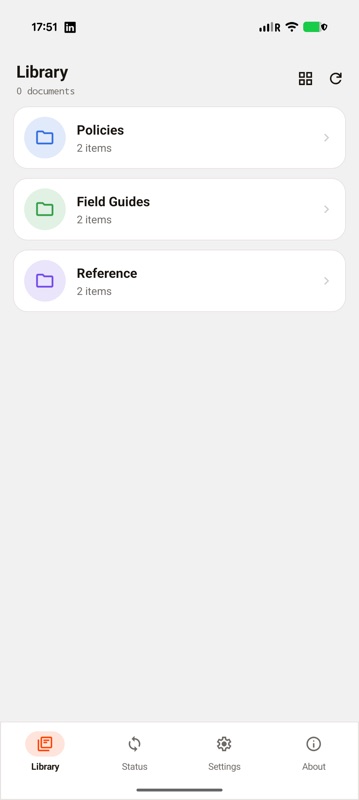
A DAG-built document app on a Pixel showing a library of three coloured folders - Policies, Field Guides and Reference - each listing two items, with a Library, Status, Settings and About tab bar.
Foldered document library
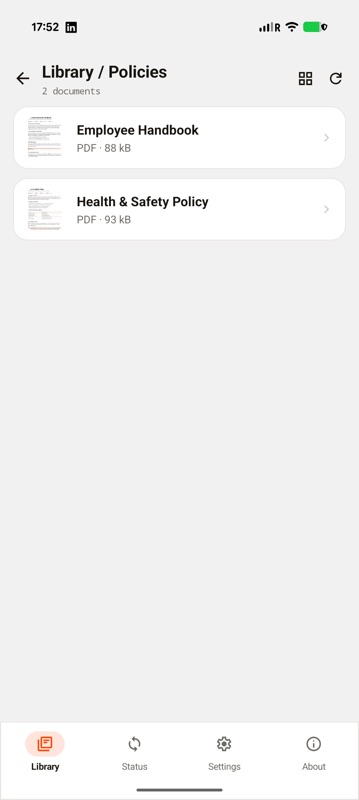
A DAG-built document app showing the Policies folder open with two PDF documents, Employee Handbook and Health and Safety Policy, each with a page-preview thumbnail and a PDF file-size label.
Folder contents, with previews
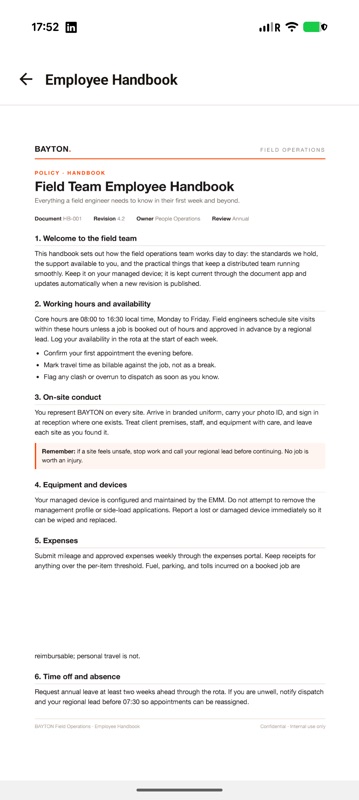
A DAG-built document app rendering the Field Team Employee Handbook PDF in its in-app viewer, showing the BAYTON letterhead and the document's numbered sections.
PDF rendered in-app
Check it out